
WordPress is a highly popular and versatile content management system (CMS) that allows users to create and manage websites easily.
Task:
- As WordPress requires a MySQL database to store its data ,create an RDS as you did in Day 44.
To configure this WordPress site, you will create the following resources in AWS:
An Amazon EC2 instance to install and host the WordPress application.
An Amazon RDS for MySQL database to store your WordPress data.
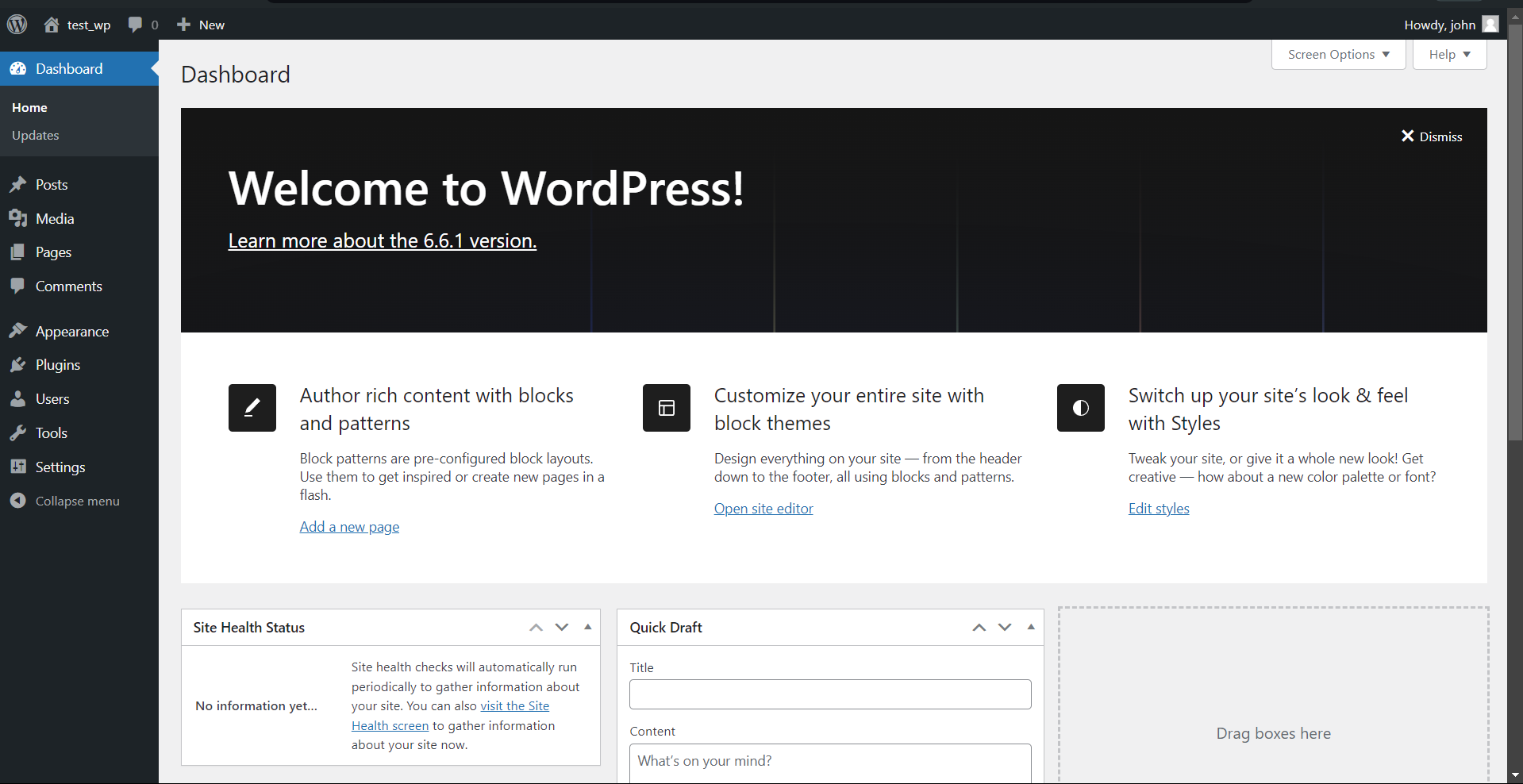
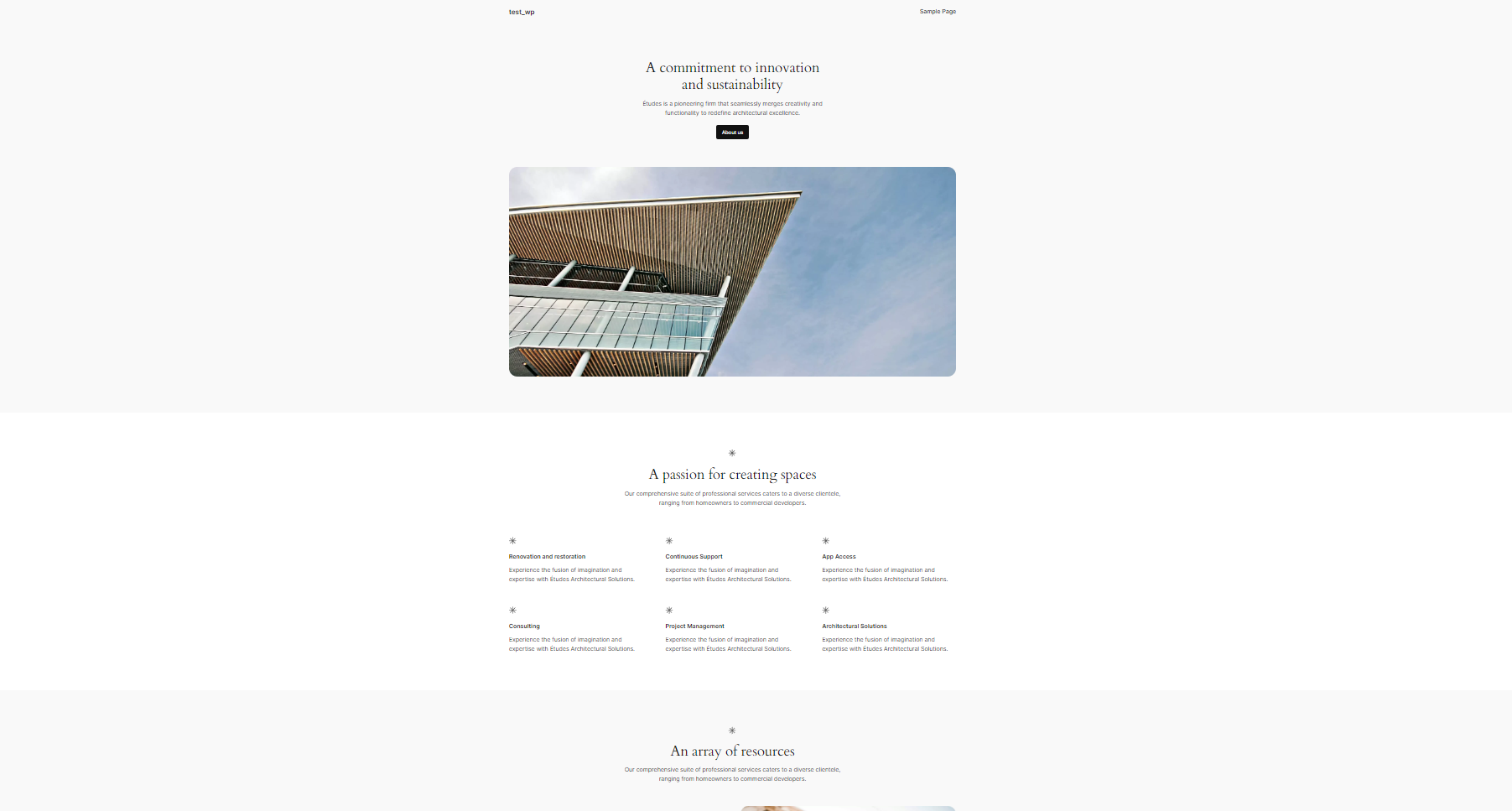
Setup the server and post your new WordPress app.
Solution:
Installing WordPress.
cd /tmp && wget https://wordpress.org/latest.tar.gz
Extract file using tar.
tar -xvf latest.tar.gzCopy the wordpress folder to
/var/www/html/path.sudo cp -R wordpress /var/www/html/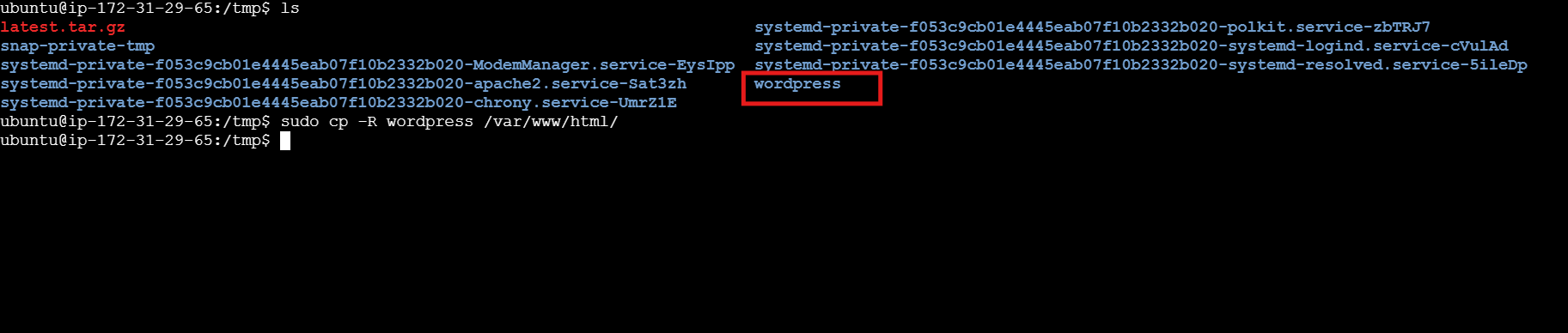
For WordPress functionality, PHP along with some necessary extensions are required.
sudo apt install -y php php-common php-mysql php-xml php-xmlrpc php-curl php-gd php-imagick php-cli php-dev php-imap php-mbstring php-soap php-zip php-intlInstall some other additional PHP modules.
sudo apt install -y php-mysql php-cgi php-cli php-gdNow, restart the Apache to apply the changes.
sudo systemctl restart apache2Change ownership for the Apache server.
sudo chown -R www-data:www-data /var/www/Create uploads directory.
sudo mkdir /var/www/html/wordpress/wp-content/uploadsChange ownership.
sudo chown -R www-data:www-data /var/www/html/wordpress/wp-content/uploads/
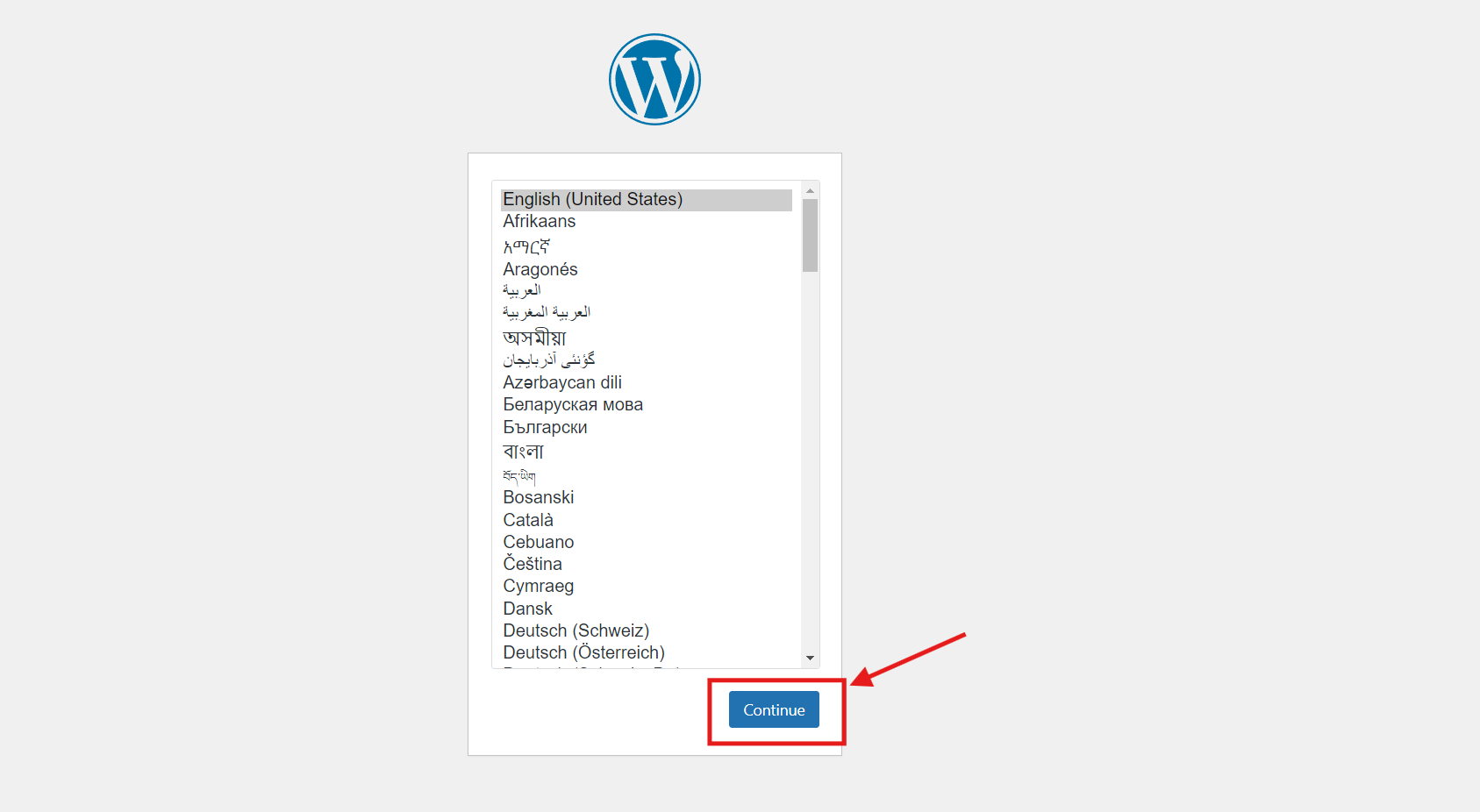
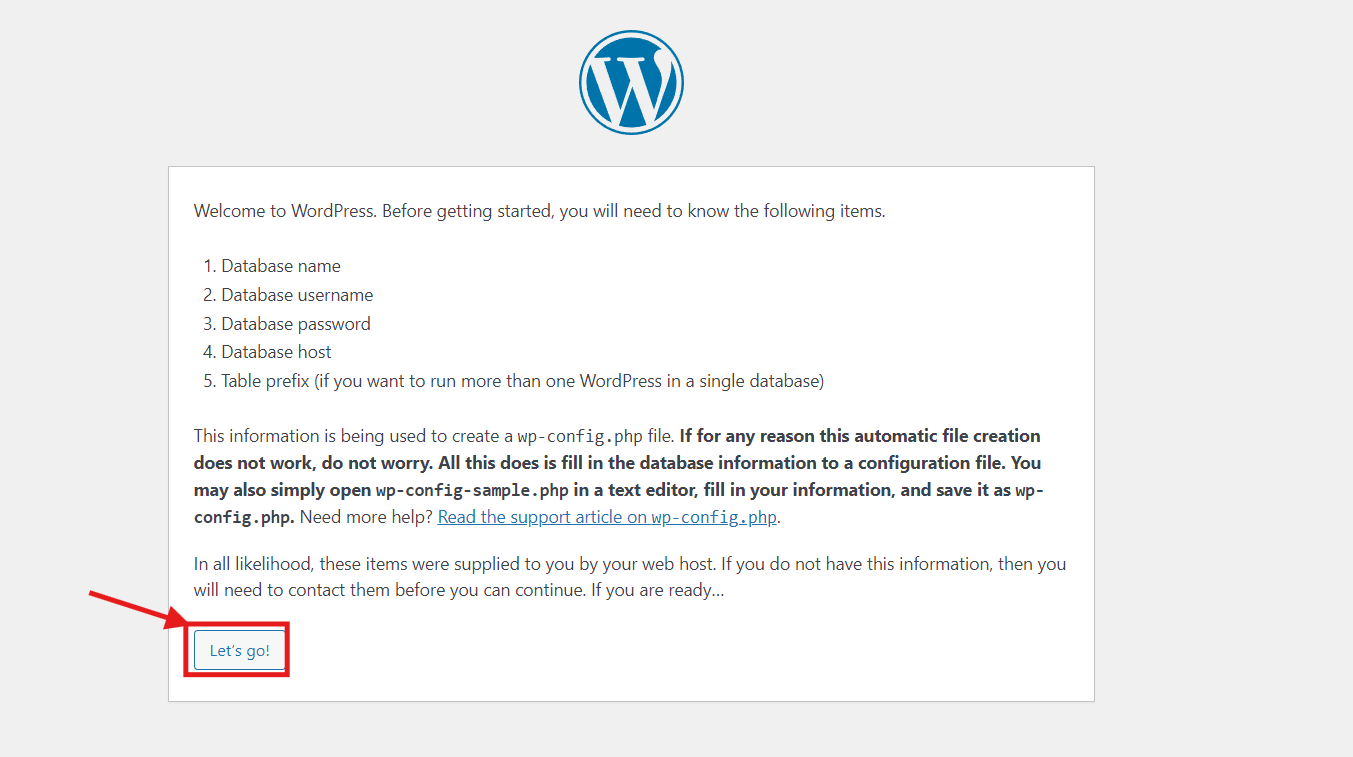
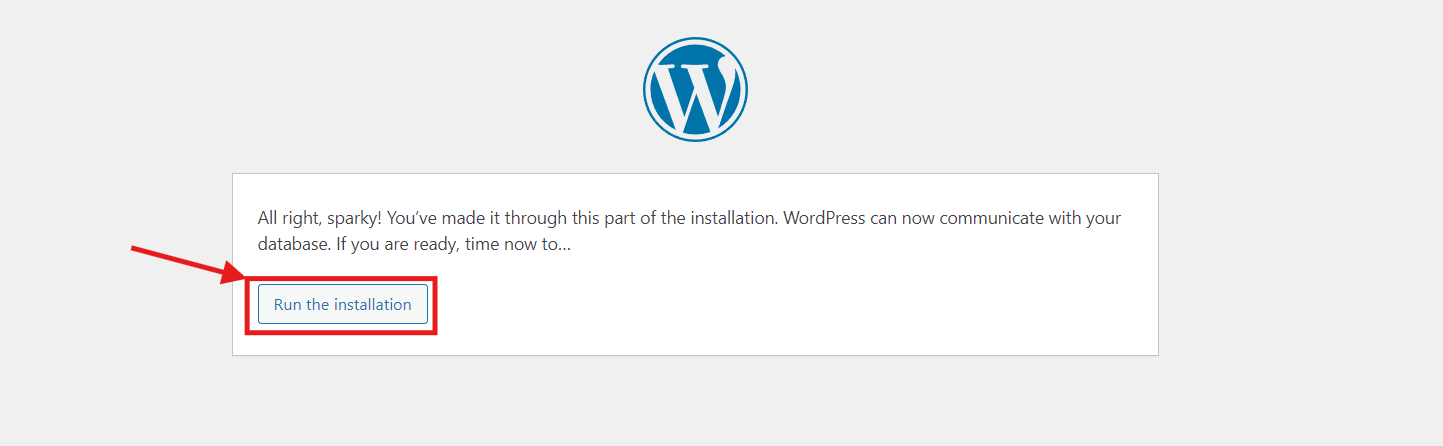
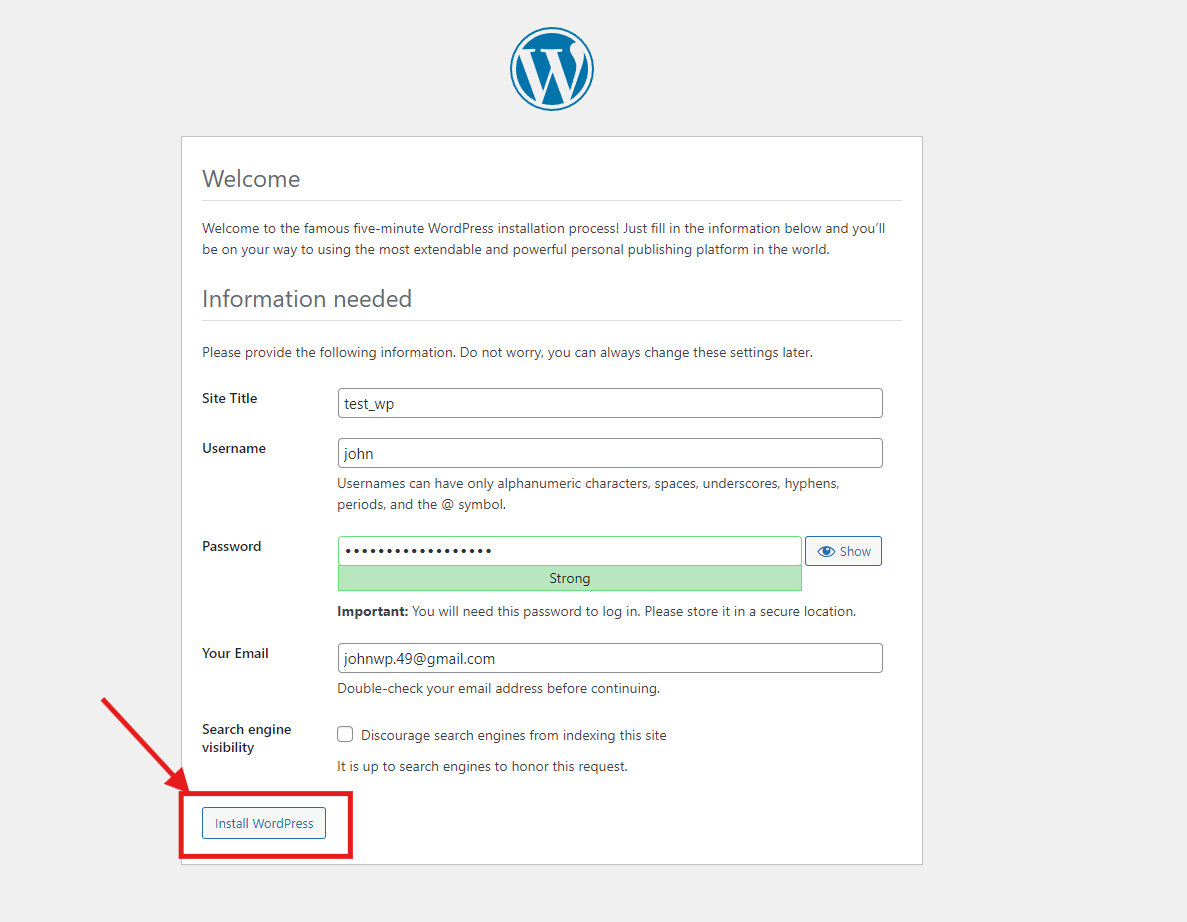
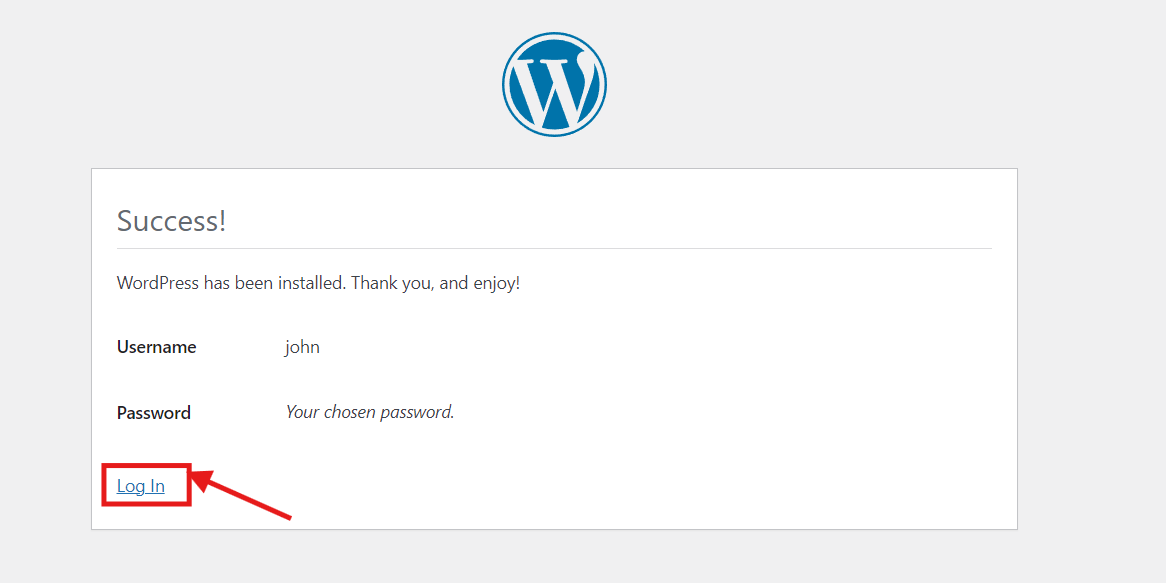
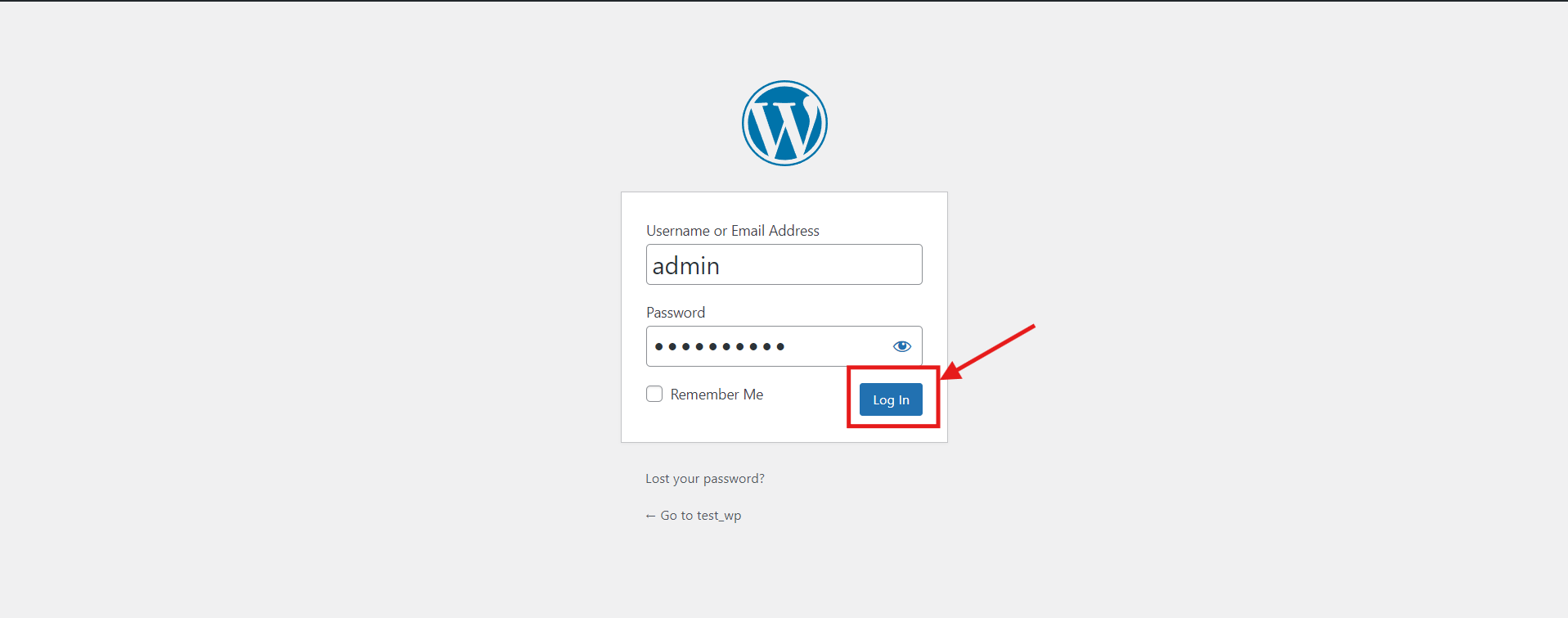
Let's Setup WordPress.
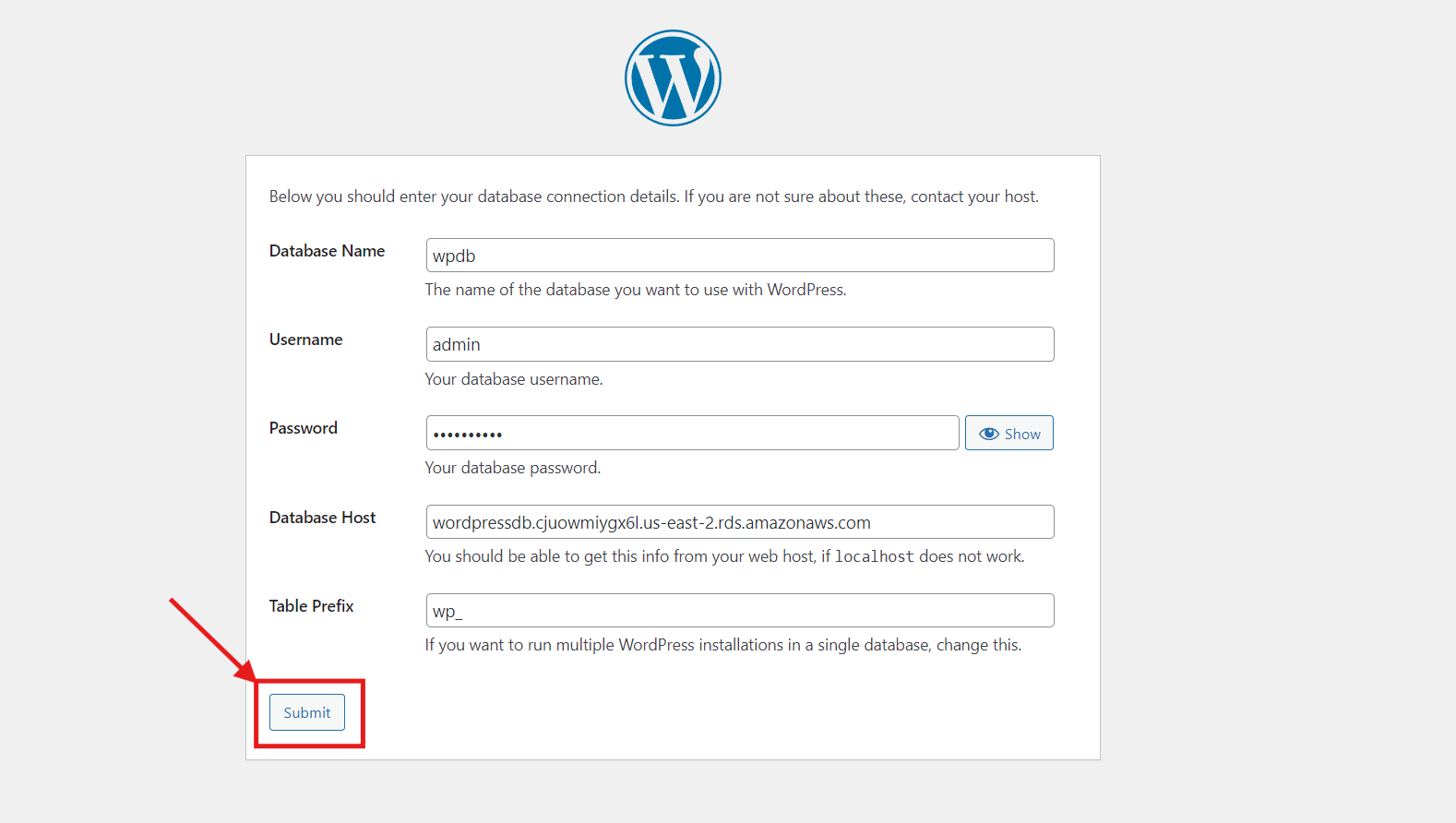
Add database connection details based on your own RDS configurations.
Thank you for reading😉.


